
What you need from a booking app
- A calendar that handles early morning and on-location bookings.
- Notes on skin type, products, shades and preferences.
- A portfolio you can show or send in a moment.
- Deposits recorded so that a booking is not forgotten.
How SlotSmile covers it
- Schedule with week and month views and drag-and-drop; export to your phone calendar.
- Client cards with notes and photo gallery; portfolio sharing on VIP.
- Prepayment and expenses recorded per visit.
- Telegram reminders to clients 24 h and 2 h before the booking (VIP).
- Booking link for your Instagram profile (VIP).
- Statistics on income and expenses for each month.
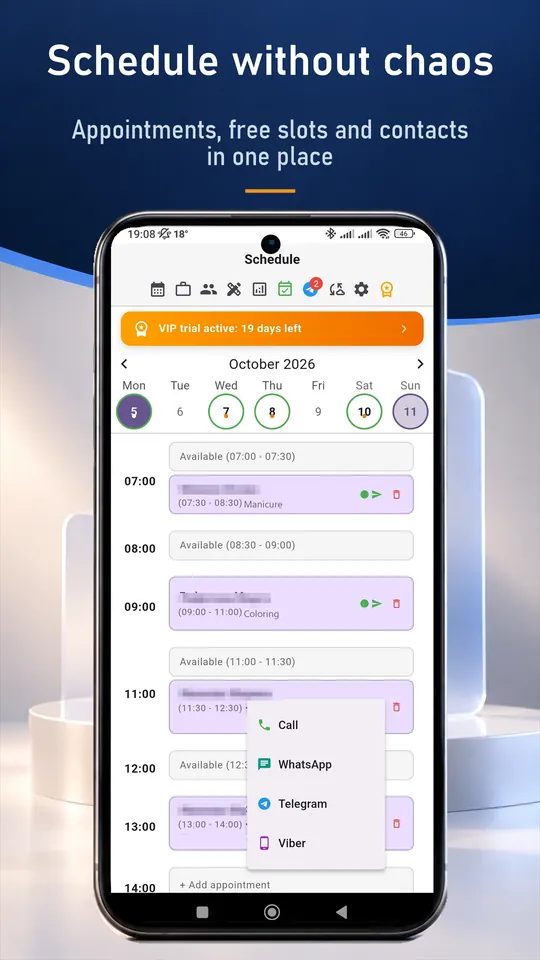
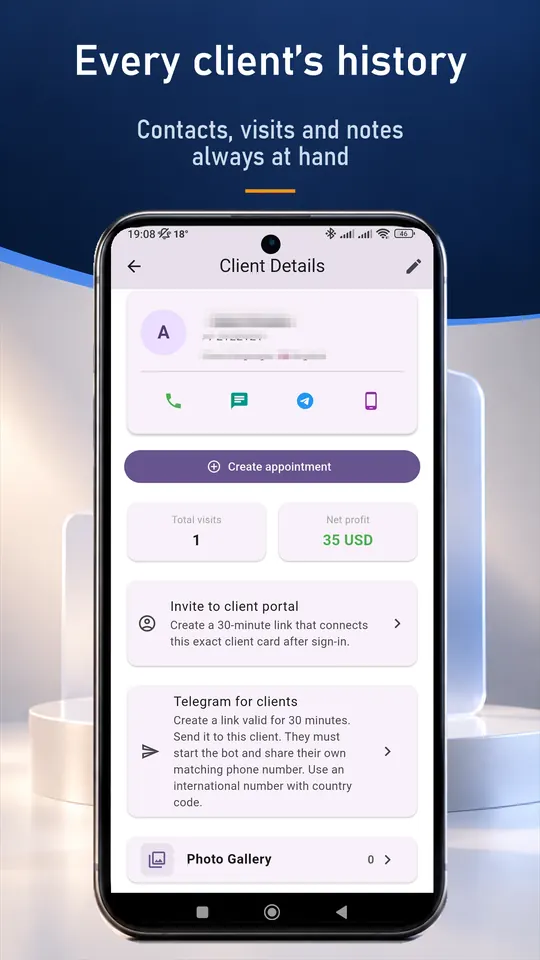
A typical working day
- Check tomorrow's early bookings and their addresses.
- Open the client card to recall the chosen look and skin notes.
- After the job add photos to the card and portfolio (VIP).
- Record the deposit and expenses, then check monthly income.
Set up in about ten minutes
- Install SlotSmile from Google Play or the App Store, or open the web version.
- Add your services with prices and durations.
- Set your working days and hours. Free slots appear automatically.
- Share your booking link in your profile or send it to clients (VIP). Requests arrive in the app and you accept each one.
Questions and answers
Can I show my portfolio to clients?
Yes. Photos can be organised in a portfolio and shared with clients (VIP).
Can I record a deposit?
Yes. A prepayment is recorded on the appointment. SlotSmile does not process the payment, so the money goes directly to you.
Is there a free plan?
Yes. The Free plan includes up to 50 appointments a month and the client base. New users also get 30 days of VIP.
Do I need internet?
No. Your records are stored on your device. Internet is only needed for cloud sync, online booking and the Telegram bot.
Good to know
SlotSmile is not a marketplace and does not bring you new clients. It does not take card payments either: a prepayment is recorded in the visit, and the money goes straight to you.