
What you need from a booking app
- Long sessions and multi-session projects in one schedule.
- Deposits recorded so that a booking is committed.
- Reference photos, sketches and notes stored with the client.
- Reminders for sessions and aftercare follow-ups.
How SlotSmile covers it
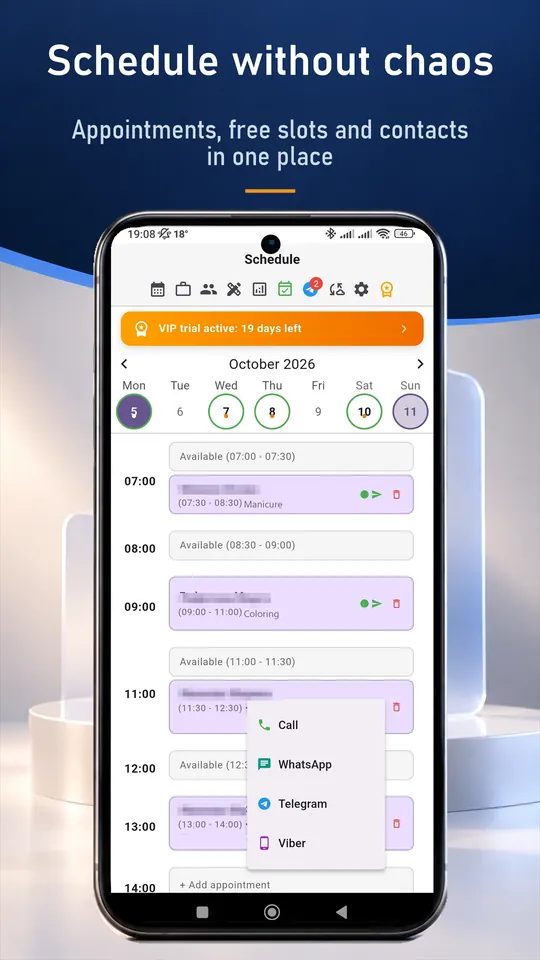
- Schedule with long visits and drag-and-drop rescheduling.
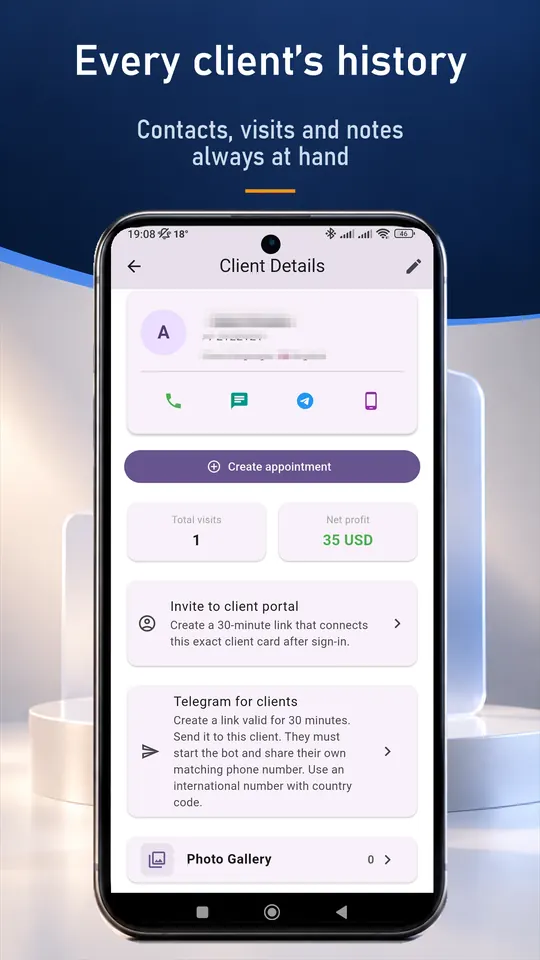
- Client cards with notes and a photo gallery for sketches and results (VIP).
- Prepayment and expenses recorded per visit; real profit in analytics.
- Telegram reminders and one-tap messages from your own messenger (VIP).
- Booking link for consultation requests; you accept each one (VIP).
- Records are encrypted on your device.
A typical working day
- Open the day and see long sessions and consultations.
- Open the client card and review the sketch and notes.
- After the session add a photo and plan the next visit.
- Send an aftercare reminder in one tap.
Set up in about ten minutes
- Install SlotSmile from Google Play or the App Store, or open the web version.
- Add your services with prices and durations.
- Set your working days and hours. Free slots appear automatically.
- Share your booking link in your profile or send it to clients (VIP). Requests arrive in the app and you accept each one.
Questions and answers
Can I track multi-session projects?
Yes. Each visit is stored in the client card, and you can create the next one right after the session.
Where are the client photos stored?
Photos are attached to the client card (VIP). Records are stored on your device, and cloud sync is optional.
Is there a free plan?
Yes. The Free plan includes up to 50 appointments a month and the client base. New users also get 30 days of VIP.
Do I need internet?
No. Your records are stored on your device. Internet is only needed for cloud sync, online booking and the Telegram bot.
Good to know
SlotSmile is not a marketplace and does not bring you new clients. It does not take card payments either: a prepayment is recorded in the visit, and the money goes straight to you.